
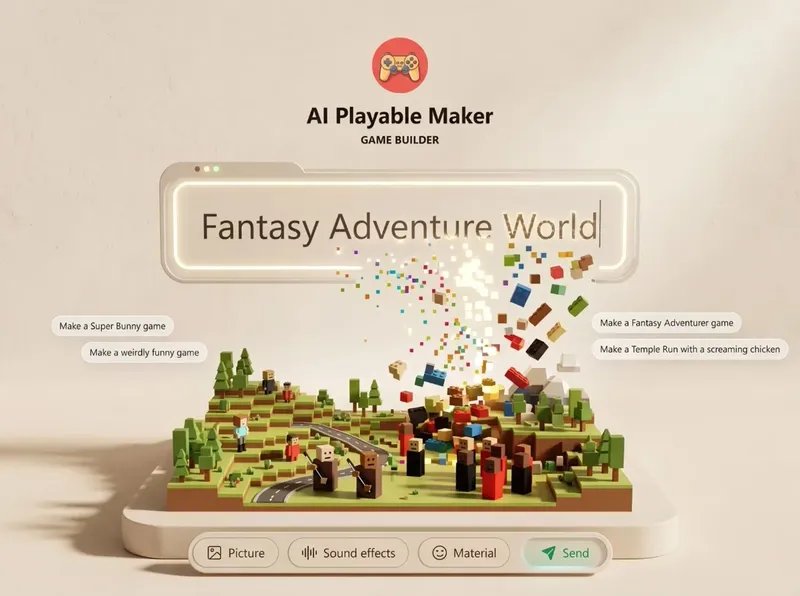
What Is Game Builder AI? The No-Code 3D Platform Explained
Game Builder AI is a cloud-based software platform that lets you build 3D games without writing code. It uses drag-and-drop tools and pre-made assets so you don’t need programming skills to finish a project. You pick a template, swap in your own graphics, and export the result for web or mobile play.
Three things change what you’ll get out of it: your computer’s browser speed, whether you want to sell the game or just share it, and how much custom art you bring in yourself. The rest of this page breaks those down.
Who needs Game Builder AI
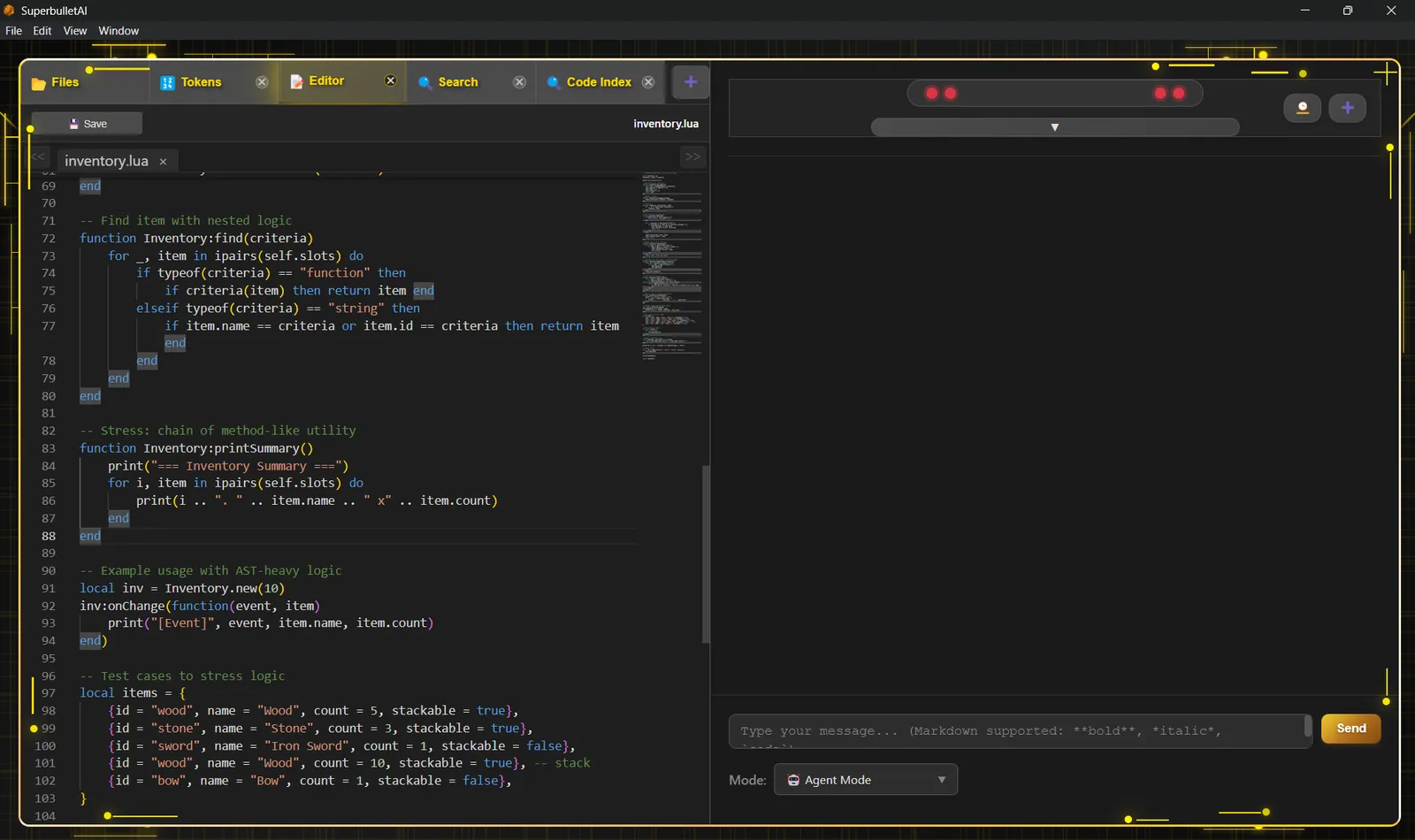
People searching for this tool usually fall into three groups. The first group wants to make a simple 3D game fast, with no coding background and no budget for a developer. They need a drag-and-drop workspace and ready-made templates.
The second group already knows engines like Unity or Unreal. They’re looking for a faster way to prototype small ideas before committing to real development. They need an open pipeline where they can still use their own scripts later.
The third group runs a marketing agency or online store. They want interactive 3D content—like a branded mini-game—to put on a landing page and keep visitors there longer. They care about embedding the game on a website more than publishing it to an app store.
This page serves the first and third groups best. If you’re building a commercial multiplayer game with complex physics, you need Unity or Unreal Engine instead. Everything below assumes you’re working inside a standard modern web browser on a laptop or desktop, not a phone.
What changes your final game
Four factors decide whether your project looks like a polished product or a basic demo. Getting these right matters more than learning every button in the workspace.
Your source assets. The platform gives you starter models and textures. If you upload your own 2D art or 3D files, the visual quality jumps immediately. Custom assets take extra time to prepare, but they stop your game from looking like everyone else’s template.
Browser memory limits. Because the editor runs in your web browser, heavy scenes with hundreds of objects will slow down or crash. Keep your active scene under a few dozen moving parts. Check your browser’s task manager—if memory use climbs past 2 GB, simplify the level.
Template choice. Starting from a racing template when you want a puzzle game forces you to undo built-in logic. Pick the category that matches your core mechanic first. Changing the base template halfway through means rebuilding your levels.
Export format. A web embed loads differently than a standalone file. Web builds need smaller file sizes to load fast on slower connections. Standalone builds allow higher resolution textures. Choose your target platform before you start adding heavy graphics.
The factor people get wrong most often is asset size. Uploading 4K textures into a browser-based engine bloats the project until it won’t load at all. Resize your images to 1024×1024 pixels or smaller before uploading them.
How to build a game step by step
You don’t need to install anything. The whole process happens inside your web browser once you log into your account. Follow these steps in order.
- Log in and start a new project. Click the dashboard button to create a blank workspace. You’ll see a grid layout appear on your screen.
- Pick a template. Select one category (like shooter, puzzle, or racing) from the menu. This loads the basic movement rules so you don’t have to program them.
- Build your level. Drag ground blocks, walls, and platforms from the left panel onto the grid. Snap them together until your map is complete.
- Add your characters. Drop player models and enemy objects into the scene. Assign the default walking or flying behavior from the properties tab.
- Upload your art. Go to the asset library, click upload, and add your PNG or JPG files. Apply them to the 3D objects by dragging the image onto the model.
- Set the rules. Open the logic panel to define what happens when objects collide. For example, set “player touches coin” to “add 10 points.”
- Test the scene. Hit the play button at the top. Walk through your level to check for holes in the floor or missing triggers.
- Export the build. Click publish, then choose either a web link or a downloadable file. Wait for the progress bar to hit 100%.
The single judgment call that separates a finished game from a broken one is testing collisions. Don’t assume objects block the player just because they look solid. You must manually assign a “collider” property to every wall and floor piece. If you skip this, players fall straight through the map.
If you plan to sell the game on a major app store like Apple’s App Store, you’ll need a registered developer account and must follow their specific submission guidelines. That process requires legal agreements outside this tool’s scope.
Comparing your setup options
Different goals require different settings inside the workspace. Here’s how the main situations break down.
| Your goal | What to select | Effort needed | Watch out for |
|---|---|---|---|
| Quick web demo | Basic template, default assets | One to two hours | Low visual quality |
| Branded marketing game | Custom logo upload, web embed | Half a day | Large file sizes |
| Mobile app export | Standalone build setting | Two to three days | App store approval rules |
| Multiplayer test | Network logic add-on | Several days | Browser lag issues |
| School project | Free tier, simple maze | Three hours | Asset download limits |
Choose the row that matches your actual deadline. Rushing a mobile export using the web demo settings will give you a file that app stores reject. Always match the build type to where the game will actually live.
Details that make the difference
Preparing your files first
Resizing your images before you open the editor saves hours of waiting. The browser has to process every pixel you upload. If your character sprite is 4000 pixels wide, the system chokes when you try to animate it.
Bring everything down to 1024 pixels or less on the longest side. Save your files as optimized PNGs or JPGs. You can verify the file size on your computer—it should stay under 500 KB per image for smooth loading.
Checking collisions during playtesting
Don’t wait until the end to walk around your level. Test the floor every time you place five or six new blocks. Jump against the walls to see if the player clips through the corners.
If the camera shakes or gets stuck, you’ve placed two objects inside each other. Pull them apart by a fraction of a unit. Leaving intersecting geometry in the scene causes the physics engine to freeze entirely.
Fixing common Game Builder AI problems
When something breaks in the editor, it’s almost always tied to browser limits or missing properties. Use this table to match what you see to the fix.
| What you notice | What it usually means | What to do first | How to stop it happening again |
|---|---|---|---|
| Editor freezes completely | Too many high-res textures | Refresh page, clear cache | Resize images before uploading |
| Player falls through floor | Missing collider component | Add collider to ground blocks | Check physics box on every object |
| Export fails at 90% | Scene exceeds memory limit | Delete unused hidden objects | Keep total asset count low |
| Game lags on phones | Draw calls are too high | Merge identical materials together | Use fewer unique textures |
| Sounds don’t play | Audio file format unsupported | Convert MP3 to OGG format | Stick to supported audio types |
| Changes disappear | Didn’t save before testing | Click manual save button | Save after every major edit |
If refreshing the page doesn’t fix a persistent crash, your current project might be corrupted beyond what the browser can handle. At that point, contact the platform’s support team directly rather than trying to force the file to open.
Platform rules and limits
Because this software runs entirely in the cloud, your access depends on their servers staying online. You don’t own the engine; you’re renting space in it.
The specific features you can use depend on the subscription tier you buy. Lower tiers restrict how many projects you can keep active at once and cap the storage space for your uploaded art. You can read the exact feature breakdown for each tier on the Game Builder AI page to see which limits apply to your account.
There’s also a hard rule about commercial rights. If you plan to charge money for the game you build, you must hold a license that explicitly allows commercial distribution. Using a personal-tier account to sell a game violates their terms of service.
If your project involves collecting user data—like email addresses for a leaderboard—you must comply with privacy laws such as GDPR or CCPA, depending on where your players live. The game builder doesn’t handle legal compliance for you.
What this actually costs
The price isn’t just the software subscription. You pay in money, time, and trade-offs.
The financial cost depends on the package you choose at checkout. Some offers bundle it as a one-time payment during a launch period, while others might shift to recurring billing later. Never assume today’s price stays forever—check the checkout page for the current figure.
Time is the bigger expense. Preparing your own graphics, sound effects, and level designs takes days. If you rely only on provided templates, you save time but lose originality. That’s the trade-off: speed versus uniqueness.
Effort scales with ambition. A simple maze game takes an afternoon. A multi-level adventure with custom characters requires weeks of work. If you don’t have graphic design skills, you’ll need to buy or download assets from outside marketplaces, which adds to your total budget.
Keeping your project running
Cloud software means your files live on their servers, not your hard drive. If you cancel your account or the company shuts down, you lose access to the editor.
Always export a playable copy of your game to your local computer as soon as you finish it. Download the web files or the standalone build and store them in a backup folder. This ensures you can still host the game elsewhere even if your login stops working.
Inside the editor, save your work manually after every major change. Don’t trust auto-save completely, especially on slow internet connections. The sign that you need to save is any time you finish placing a group of objects or changing a logic rule.
If the platform releases an update, open older projects carefully. Sometimes updates change how physics behave, meaning a level that worked yesterday might break today. Test your exported backups before overwriting them with new versions.
When Game Builder AI is the wrong choice
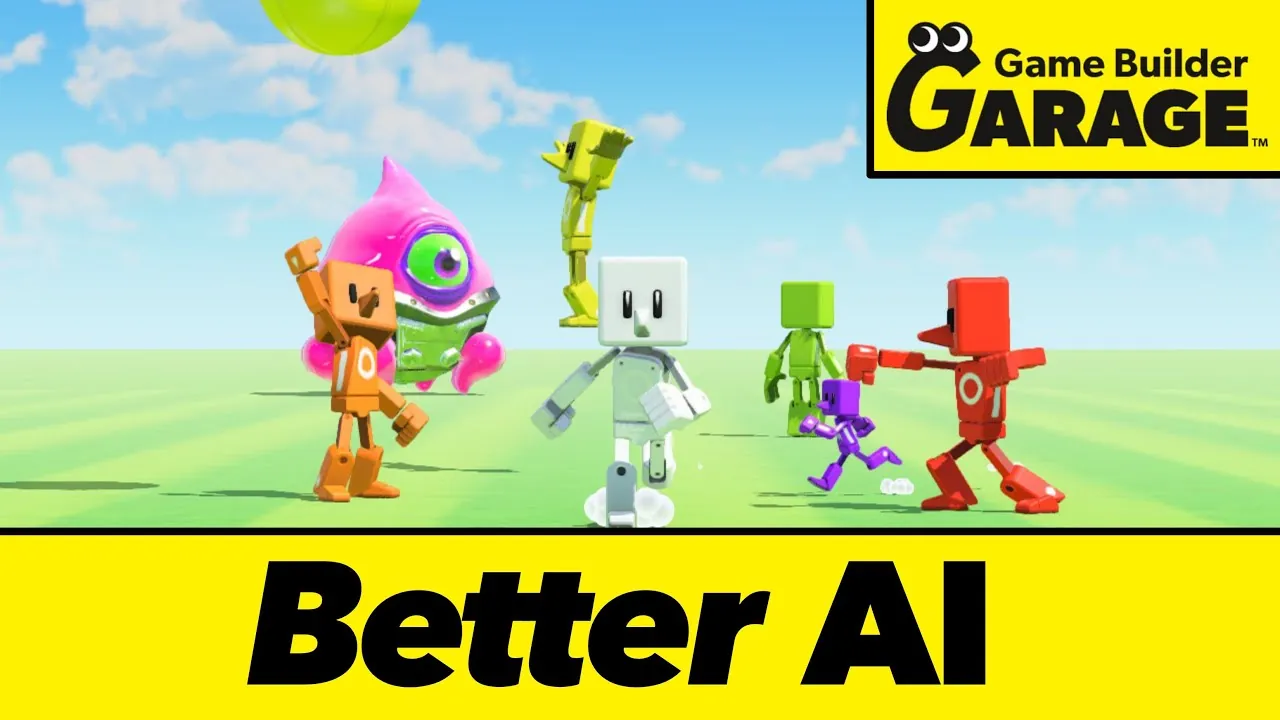
This tool handles simple 3D web games and marketing demos. It doesn’t replace professional game engines.
If you need precise control over lighting, advanced physics, or custom code architecture, you should use Unity or Unreal Engine. Both offer free tiers for individuals and run locally on your machine, giving you full control over performance.
If you want to build a 2D mobile game specifically for iOS and Android app stores, tools like Godot or GameMaker are better fits. They output native mobile files much more cleanly than a browser-based 3D builder converted to 2D.
If you’re building a massive multiplayer online game, this platform won’t handle the server load. You’ll need dedicated backend infrastructure and custom networking code, which requires professional developers. Stop here and hire a studio if your project needs secure server-side databases.
Frequently asked questions
Can I use Game Builder AI without coding?
Yes, you don’t need to write any code. The platform uses visual menus and drag-and-drop logic blocks to handle movement, scoring, and collisions. You build everything by clicking options instead of typing scripts.
Why does my exported game lag?
It lags because the scene has too many unoptimized assets. High-resolution textures and overlapping objects force the browser to process more data than it can handle quickly. Reduce your image sizes and delete hidden objects.
How long does it take to build a simple game?
A basic single-level game takes about two to four hours if you use the provided templates and default assets. Adding your own custom graphics or complex logic rules will push that timeline to several days.
Is it safe to upload my own artwork?
Yes, your uploads go to their cloud servers, which operate under standard web security protocols. However, you should read their terms of service to confirm who holds the commercial rights to your uploaded files.
What happens if I cancel my subscription?
You lose access to the online editor and can’t open your projects to make changes anymore. Any games you already exported and downloaded to your computer will continue to work normally wherever you host them.
Does it matter which browser I use?
Yes, it matters significantly. Chrome or Edge usually handle WebGL and heavy JavaScript tasks better than Safari or Firefox. Always use the latest version of your browser to prevent random crashes during editing.
Can I sell the games I build here?
You can sell them only if your specific license tier includes commercial rights. Check your purchase receipt or the platform’s pricing page to confirm your tier allows monetization before listing a game for sale.
How do I add sound effects?
You upload audio files through the asset library and attach them to specific events in the logic panel. Make sure your files are in a supported format like OGG or MP3, and keep them under a few megabytes.
Start your Game Builder AI project
Open the dashboard and pick the template closest to your idea right now. You’ll have a playable level within an hour, and you’ll know it works when your character moves without falling through the floor. If the editor crashes repeatedly despite clearing your cache, stop and contact their support team.