
How Does Pin2Profit AI Work? Inside the Pinterest Affiliate Tool
Disclosure: this article contains an affiliate link. If you buy through it, we may earn a commission.
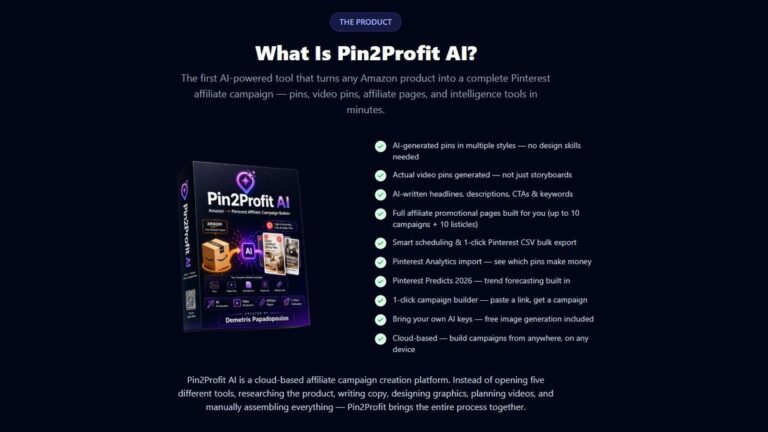
Pinterest has 631 million people searching for products to buy. Pin2Profit AI connects that audience to Amazon products by turning any item you pick into a full Pinterest affiliate campaign — pins, video pins, copy, keywords, and affiliate pages — without the manual work. You give it a product, and it builds the campaign materials for you.
How Pin2Profit AI Works for Profit
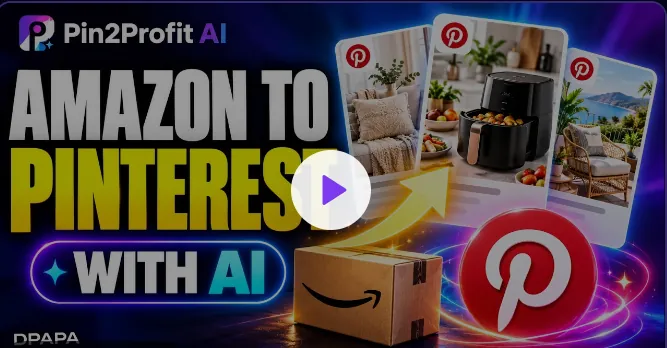
Pin2Profit AI is a tool that takes an Amazon product and produces the pieces you need to promote it on Pinterest. It creates pins, video pins built from the products you choose, written copy, keywords, and affiliate pages. The point is to skip the slow part — making each pin and writing each description by hand — and get straight to posting.
The idea behind it’s simple. Amazon holds the products and pays the commissions. Pinterest holds a huge audience that’s already shopping. Most Amazon Associates pick one side and ignore the other, or try to run both by hand and burn out. This tool is meant to sit in the middle and do the building for you.
Where it earns its place is volume. A hand-built pin takes several minutes once you count the image, the title, the description and the link. Ten a day is a real chunk of an evening. The tool’s job is to cut that to a review pass, so the limit on how many pins you publish becomes your judgment, not your free time.
It’s built for Amazon Associates who want free traffic. Pinterest doesn’t charge you to post, so the traffic you get from a good pin costs nothing but the time to make it. That’s the whole appeal: reach shoppers without paying for ads.
What it doesn’t do is decide what to pin. It will happily generate a batch for a product nobody searches for, and that batch will sit there. The tool removes the production work, not the product research. If you already know which items sell, it saves you hours a week. If you don’t, it just helps you publish the wrong pins faster.
The Main Ways People Use It
Turning One Product Into a Full Pin Set
The core job is taking a single Amazon product and getting a complete set of pins out of it. Instead of opening a design tool, writing a description, hunting for keywords, and repeating that for every pin, you feed in the product and the tool produces the set. For someone listing many products, that’s the difference between posting a few pins a week and posting many.
Where this pays off most is a catalog you already own. If you have twenty products sitting in an Associates account, that’s twenty sets in an afternoon rather than a month of evenings. If you have one product, the gain is smaller and the free plan may cover you.
Making Video Pins Without Editing Skills
Video pins tend to hold attention longer than static images, but most people don’t know how to edit video. The tool builds video pins based on the products you choose, so you don’t need editing software or a design background. If video felt out of reach before, this removes that barrier.
The common mistake is exporting every product as video. A product with one dull stock photo makes a dull video. Save video for items with several good images, and let the rest stay static.
Finding the Keywords Shoppers Actually Type
Pinterest works like a search engine. The tool generates keywords for your pins, which saves you from guessing. Getting the words right is often what separates a pin nobody sees from one that keeps bringing clicks for months.
Check the suggested words against what you know about the product before you publish. A keyword that describes the wrong item brings the wrong shopper, and a click from the wrong shopper earns nothing.
Building the Affiliate Page
Beyond the pins themselves, the tool creates affiliate pages. These give your pins somewhere to send people, so the click has a landing spot instead of a dead end. For Associates who never set up a page because it looked like extra work, this fills that gap.
Who Gets the Most Out of It
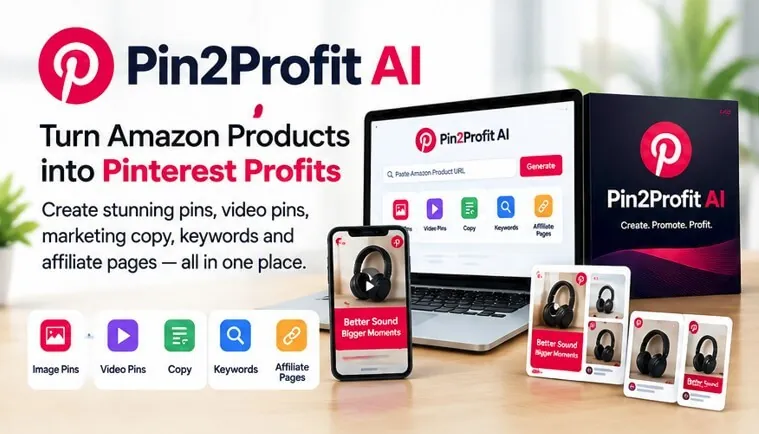
The best fit is an Amazon Associate who already has products to promote and wants Pinterest traffic but doesn’t want to build every pin by hand. If you’ve been posting occasionally and getting little back, the volume this allows is the main change.
It also suits someone who’s new to Pinterest and doesn’t know where to start with keywords or pin design. The tool hands you a starting set rather than a blank screen.
It’s less useful if you enjoy the design side and want full control over every pin’s look, or if you’d rather build a following through your own original content. And if your income doesn’t come from Amazon commissions, the affiliate side won’t match how you earn.
One case sits in between: you have a modest catalog, maybe ten or twenty products, and you’re not sure the volume is worth it. If the answer is most of them, the tool has enough to work with. If it’s two or three, you’ll spend more time editing generated copy than you would writing it yourself.
The other dividing line is how you feel about repetition. Pinterest rewards the same product shown many ways, so the same link can go out in a dozen pins. If that feels like spam to you, you’ll fight the tool the whole way, and the output will sit unused.
Tip: Start with a handful of products you know well. The pins and copy come from what you feed in, so better product choices lead to better campaigns.
What to Check Before You Buy
The facts about this tool cover what it produces: pins, video pins, copy, keywords, and affiliate pages. They don’t cover price, plan limits, how many campaigns you can run, or refund terms. Confirm those on the official page before you commit, because they decide whether it fits your budget and how much you plan to post.
Before you pay, open the plan page and write down three numbers: the monthly price, the cap on campaigns or pins in that tier, and the refund window. If the cap sits below the number of pins you plan to publish in a month, the tier is wrong for you and you’ll hit the ceiling mid-campaign.
You should also check that it works with how you already run your Amazon Associates account. Pinterest and Amazon both have their own rules for affiliate links, and those rules are yours to follow no matter what tool you use. Nothing here changes that.
Disclosure matters too. If the tool publishes pins for you, the affiliate disclosure still has to appear where readers can see it. Check how the tool handles that before your first post goes live, not after.
How well this works depends on the products you choose and how consistently you post. A tool can build the campaign, but it can’t pick winning products for you or keep your account active. If you post a few pins and stop, you won’t see much.
The pattern that decides it: buyers who treat the tool as a head start on production and keep choosing products themselves tend to stay with it. Buyers who expect it to find winners and post for them tend to cancel inside the first billing cycle.
How Does Pin2Profit AI Compare to Doing It by Hand?
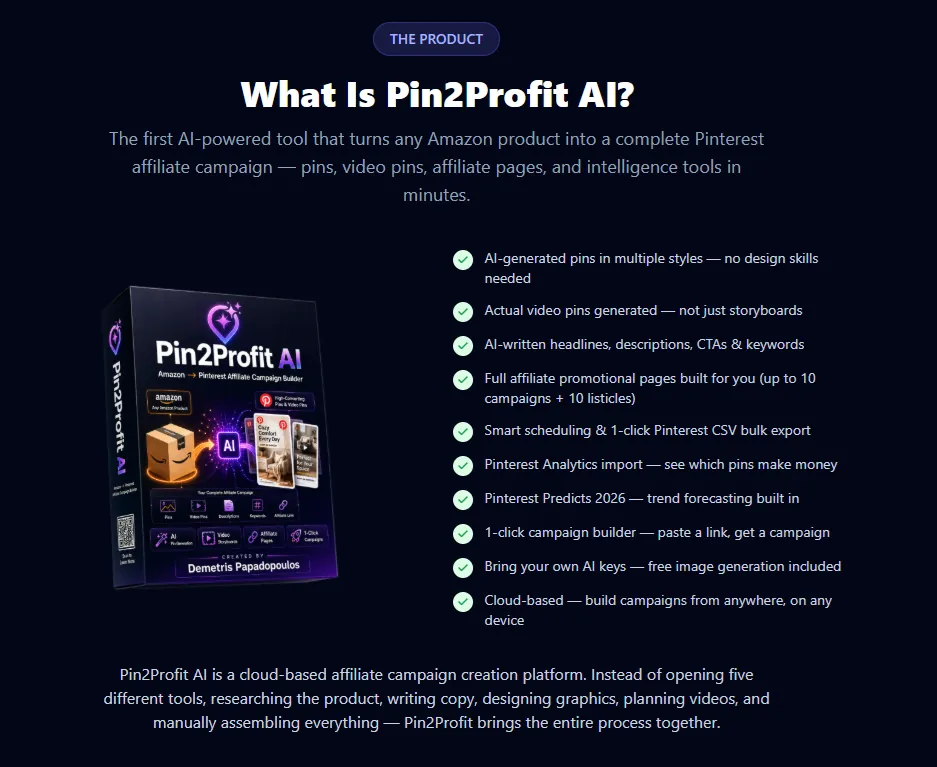
Doing it by hand gives you total control over every pin’s style, wording, and timing. The trade-off is time — each pin takes real effort, and building a full set for one product can eat an afternoon.
Pin2Profit AI trades some of that control for speed. You get the pins, video, copy, and keywords produced for you, which means you can cover far more products in the same time. What you give up is the fine-tuning you’d get from building each piece yourself.
The gap widens fastest on video. A single hand-made video pin can take an hour or more once you count editing and captions. Multiply that across ten products and you have lost a full week. That’s the point where most people quietly stop posting.
For most Amazon Associates, the choice comes down to volume versus control. If you can only post a little each week, the manual route keeps quality high but growth slow. If you want to test many products to find the ones that sell, producing more pins faster is usually the better bet.
The mistake is treating this as permanent. Run the AI output for a month, note which pins actually earn clicks, then hand-build only around those winners. You keep the speed where it’s cheap and spend your own hours where the money already is.
Related guides
- What Is TrafficWave Generator 3.0? Automated Pinterest Tool
- Link to Infographics Pricing: How Much This Tool Costs
- What Is Spy Academy? A Guide to the Puzzle Book Creation Tool
Frequently Asked Questions
Do I need design or video skills to use it?
No. The tool builds the pins and the video pins for you, so you don’t need editing software or a design background. You choose the products, and it produces the campaign materials. That’s the main reason it suits people who found pin design too slow or too technical to keep up with.
Does it post to Pinterest for me?
The facts describe it as building the campaign — pins, video pins, copy, keywords, and affiliate pages. They don’t say it posts on your behalf. Plan on publishing the finished materials yourself, and check the official page if automatic posting matters to how you work.
Can I use it if I’m not an Amazon Associate?
It’s built for Amazon Associates who want free Pinterest traffic. If your income comes from somewhere else, the affiliate side won’t match how you earn. You’d want a tool built around your own program instead.
Will it get my Pinterest account banned?
No tool can promise that. Pinterest and Amazon each set their own rules for affiliate links and spammy posting, and following them is your job. Posting a flood of low-quality pins is what tends to cause trouble, so keep your output reasonable and check both platforms’ current policies.
How many pins can I make with it?
The facts don’t state a limit, so confirm that on the official page. What they do say is that it turns any Amazon product into a complete campaign, which suggests the limit is tied to your plan rather than the tool’s ability. Check before you buy if you plan to post heavily.
Is it worth it if I only sell a few products?
It can still help, but the value grows with volume. If you promote a small number of items and enjoy making your own pins, doing it by hand may suit you fine. If you want to test many products quickly, producing more pins in less time is where it pays off.
Conclusion
If you already promote Amazon products and want Pinterest traffic without building every pin yourself, Pin2Profit AI is worth a look. Pick a few products you know well, try Pin2Profit AI to build your first campaign, and see how the pins perform before scaling up.