
What Is TrafficWave Generator 3.0? Automated Pinterest Tool
Disclosure: this article contains an affiliate link. If you buy through it, we may earn a commission.
TrafficWave Generator 3.0 is a software tool that creates and publishes image and video pins on Pinterest automatically. It takes a keyword or a web address you provide, builds search-friendly content around it, and posts it daily so you don’t have to do the manual work yourself. The tool targets free visitor traffic from a platform where people actively look for solutions rather than specific brands.
What TrafficWave Generator 3.0 Actually Does
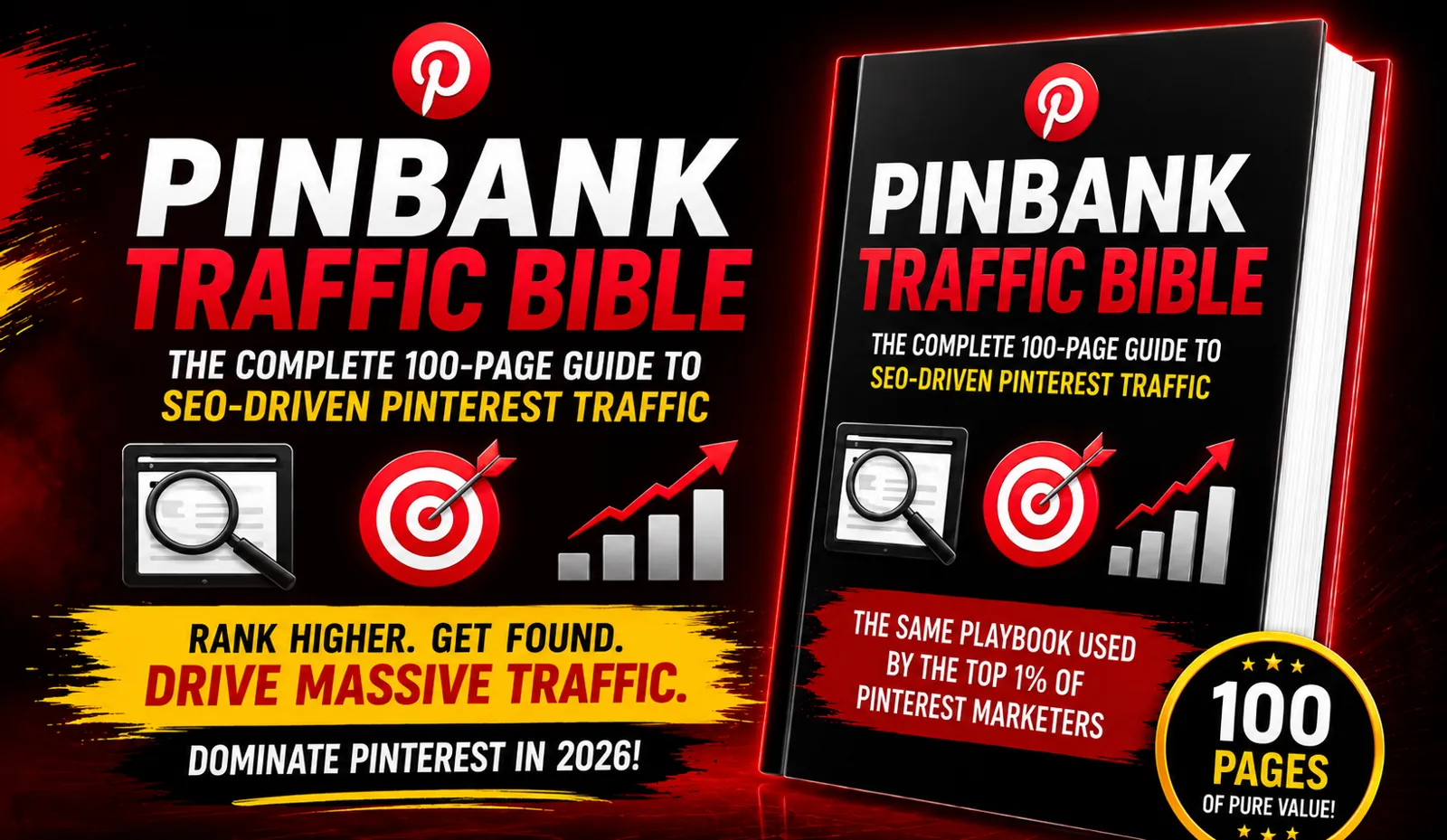
TrafficWave Generator 3.0 automates the process of creating and publishing pins on Pinterest using keywords or URLs you supply. Instead of designing images, writing descriptions, and scheduling posts by hand, the software handles these tasks on its own once you set it up.
The core idea is simple. Pinterest has over 619 million active users, and 97% of searches on the platform are unbranded. People aren’t looking for a specific company name; they’re typing in phrases like “keto meal prep ideas” or “affiliate marketing for beginners.” The software aims to place your content directly in front of those searches without requiring you to spend hours pinning manually.
For someone deciding whether to buy TrafficWave Generator 3.0, the main appeal is removing the manual labor that causes most marketers to quit Pinterest after a week. Doing this work by hand requires high-volume pinning, SEO-optimized copy on every single pin, a mix of original or AI images and videos, and consistent daily publishing without gaps.
How Does the Automated Pin Creation Work?
The automated creation process starts with a single keyword or URL and expands it into multiple optimized pins ready for publishing. You enter your target phrase or web address, and the software uses artificial intelligence to generate the visual components and the accompanying text. This means you don’t need separate design tools or copywriting skills to produce content that fits Pinterest’s format.
Each generated pin includes text written specifically for search visibility on the platform. Since Pinterest functions more like a search engine than a social feed, the words attached to your pin determine whether users find it. The software writes these descriptions and titles based on the keyword you provided, aiming to match the unbranded search queries that make up 98% of activity on the site.
The output isn’t limited to one format. The tool creates both standard image pins and video pins, mixing them together as part of your publishing schedule. Video content tends to capture attention differently than static images, so having both formats increases the chances that different types of users will engage with what you post.
Once created, the pins move directly into the publishing queue. You don’t download them to your computer and upload them manually later. The system pushes them live according to its schedule, maintaining the daily consistency that Pinterest’s algorithm rewards. If you skip days when posting manually, your reach drops significantly. The automation prevents those gaps from happening.
Tip: Start with one specific keyword per campaign rather than broad topics, since narrow phrases match the exact solution-seeking behavior of Pinterest users more closely.
Who Should Use This Tool and Who Shouldn’t

This software suits online marketers who sell digital products, affiliate offers, or services that solve specific problems people search for. If your business relies on getting visitors to a landing page, blog post, or sales page, the tool targets that exact need. It works best for people who understand that traffic generation requires consistent effort but don’t want to spend their entire day doing it manually.
Beginners benefit because the technical barrier is low. Marketers who already use paid ads might find it useful as a way to diversify their traffic sources without adding another monthly ad budget.
However, this isn’t for everyone. If your business depends entirely on local customers who don’t search for solutions on Pinterest, the platform itself may not fit your model. Similarly, if you sell highly branded physical products where customers already know your company name, the advantage of unbranded search traffic matters less for your specific case.
People who expect instant results within a few days shouldn’t buy this. Pinterest traffic compounds over time as more pins accumulate and gain visibility. If you need visitors tomorrow morning, paid advertising on other platforms delivers faster, though at a much higher cost per click. The trade-off here is speed versus expense — you give up immediate delivery to avoid paying significantly more per click elsewhere.
Before buying, confirm whether your specific niche has active search volume on Pinterest. The tool generates pins based on your keywords, but if nobody searches for those terms on the platform, the automation won’t produce visitors. Check Pinterest’s search suggestions by typing your main topic into their search bar and seeing what auto-completes. That tells you if real demand exists for what you offer.
Also verify that you have a destination ready to receive visitors. The software drives traffic to a URL, so you need a functioning website, landing page, or offer link before you start generating pins. Creating traffic without a place to send it wastes the setup effort.
Is Pinterest Traffic Really Cheaper Than Paid Ads?
Yes, Pinterest traffic costs significantly less than traditional paid advertising because the clicks come from organic search visibility rather than an auction-based bidding system. On standard ad platforms, marketers routinely pay substantially more for a single click, depending on how competitive their industry is. Pinterest’s average cost per click is inexpensive relative to the alternative when running paid promotions there, but the organic approach this software uses removes that cost entirely.
The reason the economics differ so dramatically comes down to user intent and competition. Most advertisers fight over space on search engines and major social networks where everyone bids against each other. Pinterest operates differently because users arrive with purchase intent that measures 2.3 times higher than other social platforms, yet fewer marketers compete for attention there. That gap between high buyer interest and low advertiser presence creates the opportunity.
| Traffic Source | Cost Per Click | User Purchase Intent | Competition Level |
|---|---|---|---|
| Standard Search Ads | $3 – $50 | Moderate | Very High |
| Social Media Ads | $1 – $5 | Low to Moderate | High |
| Pinterest Organic | Free | High (2.3x above average) | Low |
| Pinterest Paid | $0.10 – $1.50 | High | Moderate |
This comparison shows why marketers shift focus toward platforms where buyers already gather without heavy advertising noise.
Why Manual Pinterest Marketing Fails for Beginners
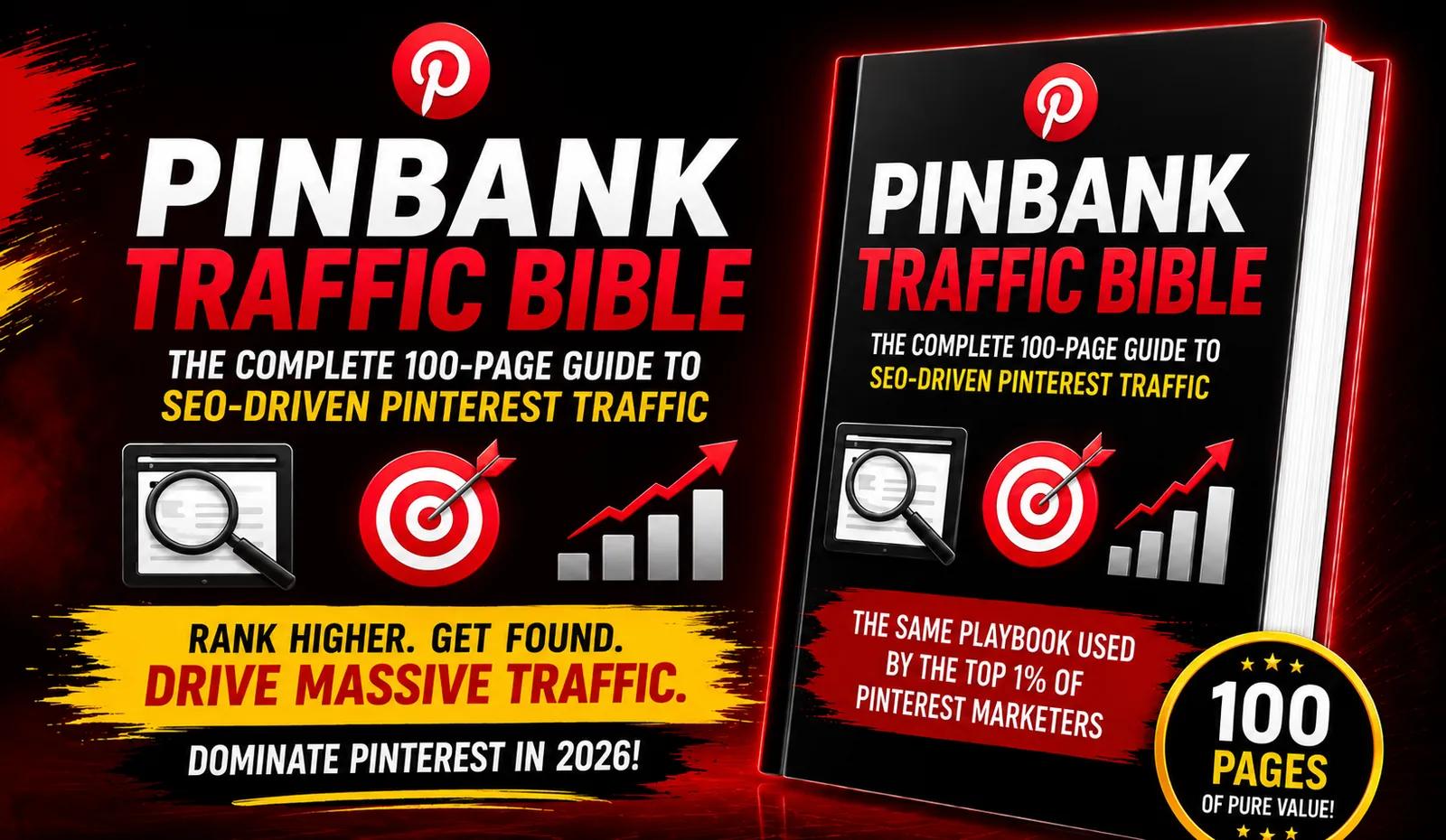
Manual pinning fails because sustaining the required volume and consistency demands more hours than most individuals can allocate alongside their other responsibilities. To succeed organically on Pinterest, you must publish high volumes of pins daily, ensure every description contains relevant search terms, rotate between image and video formats, and never allow gaps in your posting schedule. Missing even a few days signals to the platform that your account isn’t active, which reduces how often your content appears in search results.
Most people attempt this routine enthusiastically during their first week. They design several pins, write descriptions, and upload everything manually. By the second week, the repetitive nature of the work becomes apparent. Creating fresh visuals constantly, researching keywords individually, and logging in at the same time every day turns into a chore that competes with actually running their business.
The consequence is predictable. They stop posting, assume the platform doesn’t deliver results, and return to expensive advertising channels they already know how to use. The failure point isn’t Pinterest’s ability to drive visitors — it’s the human capacity to maintain the execution pace indefinitely. Automation addresses this specific bottleneck by handling the repetitive actions while you focus on converting the traffic that arrives.
What Happens When You Skip Publishing Days
Gaps in your schedule cause your existing pins to lose visibility gradually. Pinterest prioritizes accounts that contribute fresh content regularly, treating consistency as a signal of reliability. When you disappear for several days, the algorithm reduces how frequently it surfaces your older pins to new searchers. Recovering that lost momentum takes longer than maintaining it would have required.
Does Mixing Video Pins Actually Matter
Including video content alongside static images increases your overall reach because Pinterest displays different formats in separate sections of search results. Users scrolling through the video tab won’t see your image-only pins, and vice versa. Producing only one format means voluntarily ignoring a portion of the available audience searching for your exact topic.
Frequently Asked Questions
Can I use my own images instead of AI-generated ones?
The software generates images automatically using artificial intelligence based on your keywords. The provided facts don’t specify whether you can upload custom images instead. Before purchasing, check the feature list to confirm if manual uploads are supported, especially if your brand requires specific photography or custom graphics that differ from AI-generated visuals.
How long until I see visitors coming to my pages?
Pinterest traffic compounds over time as your published pins accumulate and gain search visibility. There isn’t a guaranteed timeframe because it depends on your keyword competition and niche demand. Accounts that publish consistently tend to see gradual increases rather than sudden spikes, so plan for steady growth measured in weeks rather than expecting overnight results.
Do I need an existing Pinterest business account?
You’ll need an active Pinterest account to publish pins through any automation tool. Whether it must be a business account specifically isn’t detailed in the available information. Business accounts generally provide analytics that let you track which pins perform well, so setting one up gives you better visibility into your results.
Will this work for physical product stores?
The software drives traffic to any URL you provide, including online stores selling physical goods. However, its strongest advantage applies to unbranded searches where users seek solutions rather than specific companies. If your physical products solve common problems people search for, the tool can direct those searchers to your store pages effectively.
Is there a limit to how many pins it creates daily?
The provided information states the tool supports high-volume pinning but doesn’t specify exact daily limits. Different subscription levels or platform rules might cap your output. Verify the maximum daily pin count before buying, since publishing too aggressively could trigger spam filters while publishing too little slows your traffic growth.
Does it work for niches outside of marketing?
Yes, the tool accepts any keyword or URL you enter, making it applicable across various industries. Its effectiveness depends entirely on whether people search for your specific topic on Pinterest. Niches related to home improvement, fitness, recipes, fashion, and personal finance typically see strong search volume on the platform.
Conclusion
If you sell solutions that people actively search for and you’re tired of paying high costs per click on traditional ad platforms, TrafficWave Generator 3.0 deserves a closer look. Confirm that your target keywords show search suggestions on Pinterest first, then visit the official TrafficWave Generator 3.0 page to review the current feature details and decide if it fits your workflow.